
Downloads
How do you want to use eXeLearning?
Choose an option and start using eXe in seconds
Access the instructions to install on a server
eXeLearning Integration Plugins
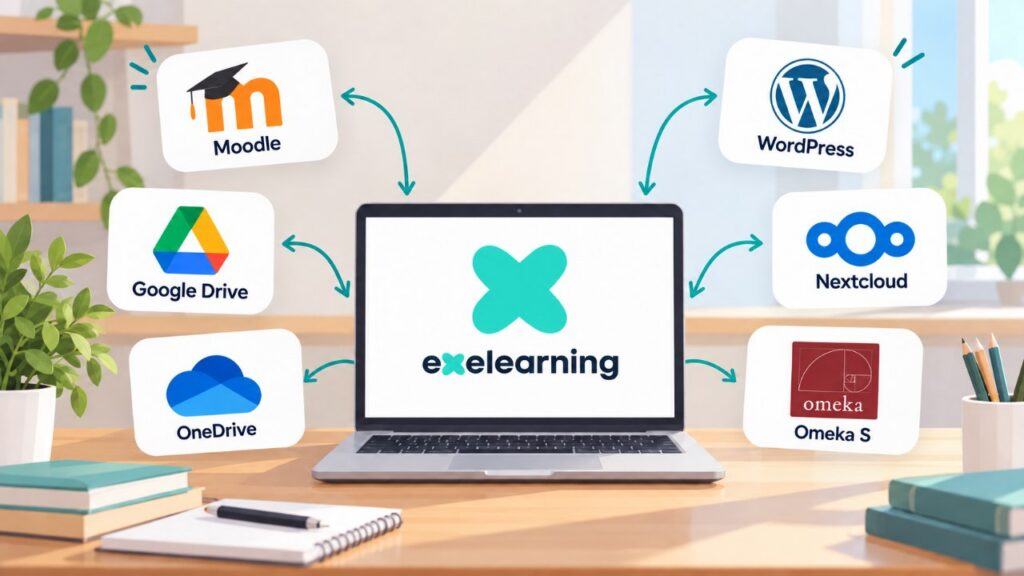
eXeLearning can be used directly from Moodle, Nextcloud, WordPress, Omeka S, Google Drive and OneDrive. These integrations allow users to create, open, edit and save educational resources without installing the desktop application. Depending on the platform, it is also possible to publish and share resources or collect activity grades.
Styles
Styles in eXeLearning make it easy to customise the appearance of educational materials by modifying aspects such as colours, fonts, icons and the visual organisation of content. The tool offers a range of styles to adapt the presentation of projects to their specific characteristics and needs. It also allows users to import their own styles.
Available styles can be previewed and applied directly to content within the tool. All styles can be downloaded and are distributed under the CC BY-SA 4.0 licence, making them easier to reuse, adapt and share.
For those working with earlier versions, eXeLearning 2.9 styles are also still available: view styles.